


 Español
 English
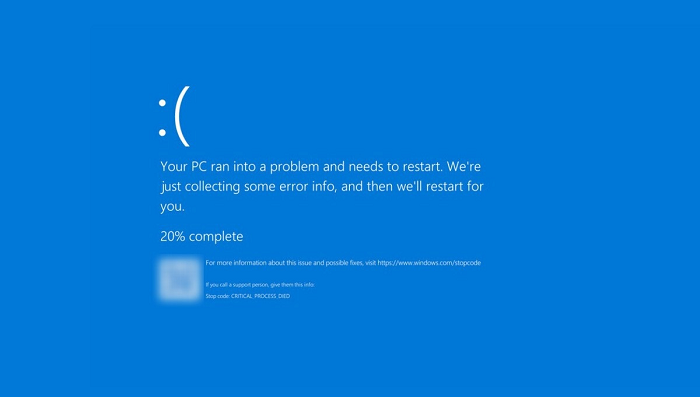
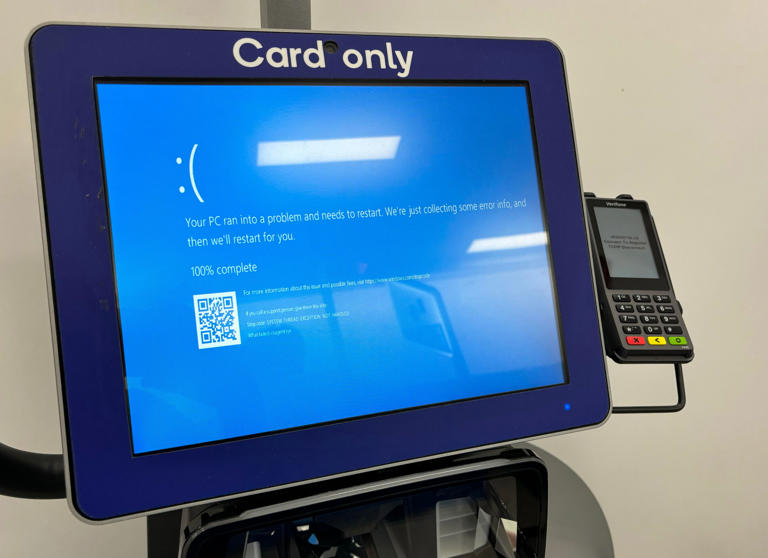
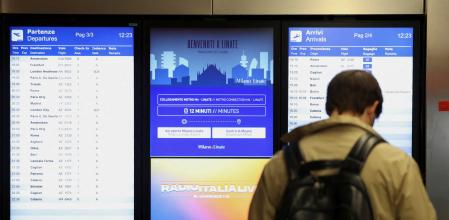
The collapse of a cybersecurity platform has resulted in the shutdown of airports around the world, positioning it as one of the most significant global system failures in recent years. Numerous computer systems across various sectors are affected, displaying the dreaded Windows blue screen, while the community is actively working to resolve these issues.
We will explain how to resolve the CrowdStrike issue on your computer if it is affected. Although this solution is not designed for large enterprises, it can be useful for individuals who are also experiencing this problem.
Here is a temporary solution for computers affected by the CrowdStrike Falcon Cloud Security update that is causing an error. This solution has been reported by IT experts on various social media platforms.
Follow these steps:
1.Start Windows in Safe Mode: Follow the instructions to start Windows in Safe Mode. This should help you avoid blue screens and crashes.
2.Locate the CrowdStrike folder: In the File Explorer in Windows Safe Mode, navigate to the folder C:\Windows\System32\drivers\CrowdStrike.
3.Find and delete a file: Inside this folder, locate the file named C-00000291*.sys. Once you find it, delete it.
4.Restart the computer: Restart the computer normally.
Publication Date: 2024-07-19
Source: IP


Ideal for small companies that need productive modules, 10 corporate emails, 5 sections, 20 product catalog, 5 SEO campaigns, e-commerce.

Ideal to start your presence on the internet, catalog of 5 products, updating documents, hosting, corporate emails and more!




5% Discount on Your Trip to CUSCO AND MACHU PICCHU!
Our Staff of Content Advisors, Journalists, and Technologists are at your disposal to help you get the content you need every day.